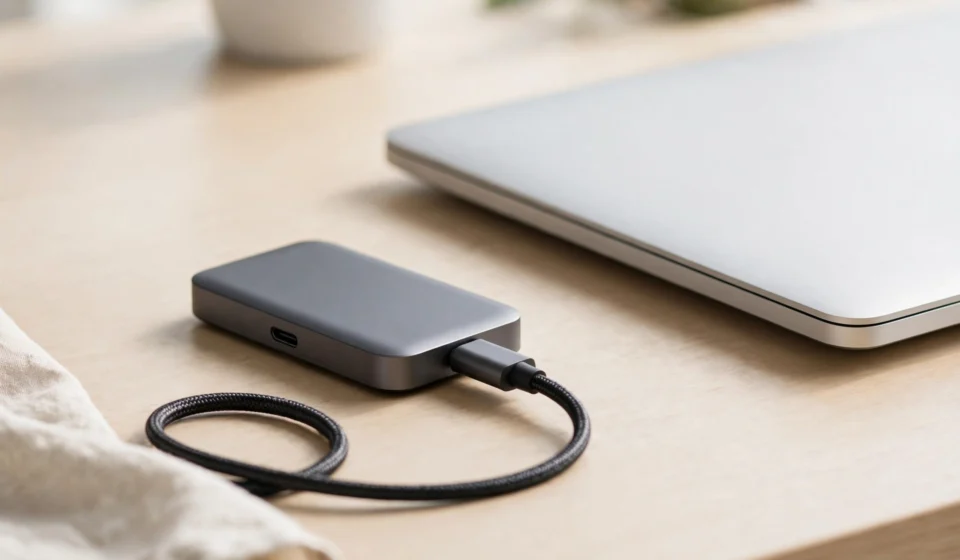

A portable SSD has become one of the most useful accessories you can own — and the best external SSDs 2026 has to offer are faster, tougher, and more versatile than ever. Today’s portable drives deliver real-world speeds of 1,000 to over 2,000 MB/s, slip into a jacket pocket, survive drops and rain, and plug straight into laptops, phones, tablets, and even game consoles.
But the interface you plug into matters enormously: a 2,000 MB/s drive performs very differently over USB 10Gbps, USB 20Gbps, USB4, or Thunderbolt 5. This guide explains what actually differentiates portable SSDs in 2026, then ranks the strongest options for work, gaming, travel, and creative field use.
What makes the best external SSDs 2026 worth buying?
The portable SSD market has split into clear tiers this year. Independent testing from outlets like Tom’s Hardware and StorageReview shows that peak sequential speed is only part of the story — how a drive sustains writes after its fast cache fills, how rugged it is, and what ports your computer actually has matter just as much.
Interface: match the drive to your ports
USB 3.2 Gen 2 (10Gbps) drives top out around 1,050 MB/s in practice. USB 3.2 Gen 2×2 (20Gbps) drives reach up to 2,000 MB/s — but only if your computer has a Gen 2×2 port, which many Macs don’t. USB4 and Thunderbolt 4/5 open the door to 2,800 MB/s and beyond, and Samsung’s newest USB4 drives are rated up to 4,000 MB/s. Before paying for extra bandwidth, check what ports your computer actually has — it’s the single most common buying mistake.
Sustained writes, not just peak speeds
Most portable SSDs are fast for the first few gigabytes of a transfer, then slow down once the drive’s fast cache fills. Reviewers consistently prioritise drives that sustain strong writes over long transfers — that’s what determines whether a 200GB video export finishes in minutes or drags on. Manufacturer maximums are measured in ideal conditions; independent lab results are the honest benchmark.
Durability and portability
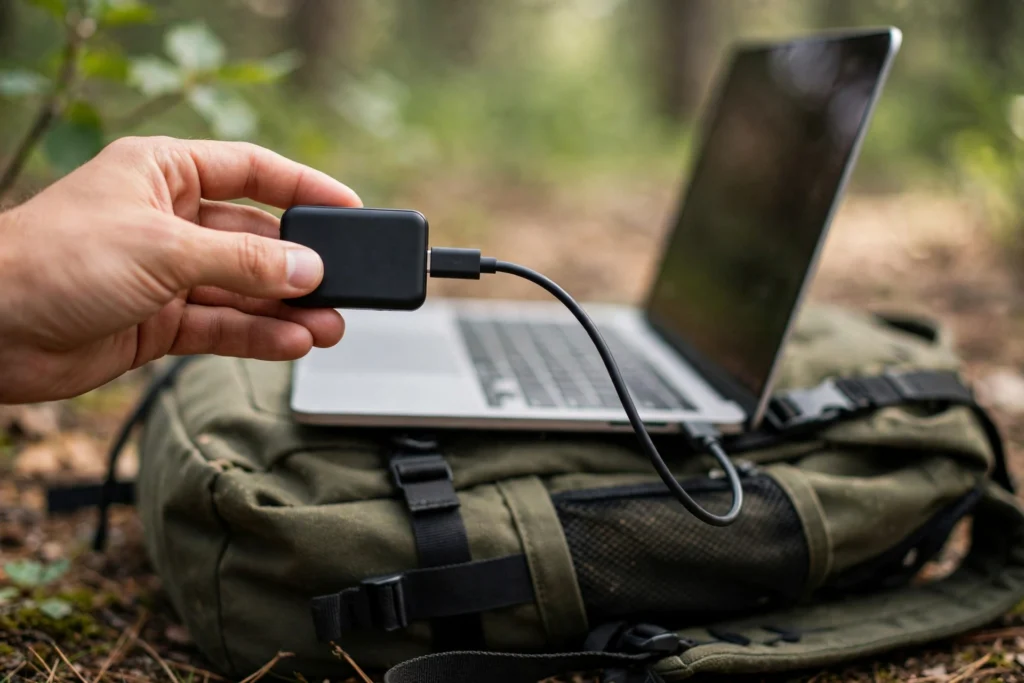
A drive that lives in a backpack earns its keep by surviving. Look for IP ratings (IP65 means dust-tight and water-resistant), drop-test claims, and rubberised or metal construction. Size and weight matter too — the best travel drives are small enough to forget about, and some models are designed to stick to the back of a phone for direct 4K video recording.
Capacity sweet spots
1TB remains the value sweet spot for everyday backup and file transfer, 2TB suits gamers and creators with large libraries, and 4TB models serve field production work. Capacities up to 8TB now exist in premium USB4 drives, but the price per gigabyte climbs steeply at the top end.
The best external SSDs 2026: our top picks
1. Samsung T7 Shield — best overall external SSD 2026
The Samsung T7 Shield remains the default recommendation among the best external SSDs 2026 for a simple reason: it balances everything. Rated up to 1,050 MB/s over USB 3.2 Gen 2, it delivers read speeds comparable to pricier drives while adding an IP65-rated, rubberised body that shrugs off dust, water, and three-metre drops.
It comes in 1TB, 2TB, and 4TB capacities, works with PCs, Macs, phones, tablets, and consoles, and its compatibility is universal since USB 10Gbps is everywhere. It’s not the fastest drive you can buy, but for everyday backup, travel, and file transfer, it’s the safest pick — and it frequently sells well below its official pricing.
2. Samsung T9 — fastest mainstream pick
The Samsung T9 doubles the speed ceiling to 2,000 MB/s over USB 3.2 Gen 2×2, making it one of the fastest portable drives that doesn’t require USB4 or Thunderbolt hardware. Available in 1TB, 2TB, and 4TB, it’s a strong choice for creators moving large video files and gamers who want the snappiest load times.
The caveat is the port question: you’ll only see the full 2,000 MB/s on a computer with a USB 20Gbps port. On a standard USB 10Gbps connection it falls back to roughly 1,000 MB/s — still fast, but no faster than a T7 Shield. Check your machine’s ports before paying the premium.
3. Crucial X9 Pro — best budget external SSD 2026
The Crucial X9 Pro is the value pick: real 1,000 MB/s speeds over USB 3.2 Gen 2, a tough steel body, and street prices that often dip under $80 for 1TB. For students, office backup, and general file transfer, it’s everything most people need at a fraction of the flagship price.
It lacks the rugged IP rating of the T7 Shield and the raw speed of the T9, but dollar for dolla
4. SanDisk Extreme Pro V2 — best for sustained performance
The SanDisk Extreme Pro V2 is the speed enthusiast’s choice among mainstream drives: genuine 2,000 MB/s over USB 3.2 Gen 2×2 when paired with a compatible port, backed by a durable, pocketable design. Reviewers rate it highly for sustained write behaviour — it holds its speed on long transfers better than many rivals.
Like the T9, it needs a 20Gbps port to hit its headline number. But for professionals who regularly move tens or hundreds of gigabytes and want confidence the drive won’t throttle mid-transfer, it’s a proven performer.
5. LaCie Rugged SSD Pro5 — best Thunderbolt 5 external SSD 2026
For creative professionals with the latest hardware, the LaCie Rugged SSD Pro5 is the flagship pick: Thunderbolt 5 connectivity, LaCie’s famously tough Rugged construction, and an MSRP of $399.99 for 2TB (also available in 4TB). It’s built for field production, direct high-bitrate recording, and workflows where every second of transfer time costs money.
This is firmly pro territory — you need Thunderbolt 5 hardware to use it properly, and the price reflects it. But for the niche it serves, nothing portable touches it right now.
6. Samsung P9 — the USB4 future (if your ports are ready)
Samsung’s P9, announced at Gamescom 2026, points at where portable SSDs are heading: USB4 with rated speeds up to 4,000 MB/s read and 3,800 MB/s write, capacities from 1TB to a remarkable 8TB, and a CES 2026 Innovation Award to its name. The global rollout began August 31, 2026.
The catch is cost: $339.99 for 1TB, rising to $2,699.99 for 8TB, and you’ll need USB4-equipped hardware to see the full benefit. TechRepublic’s reviewers also note that independent testing hasn’t yet verified the USB4 performance claims. It’s an exciting glimpse of the future rather than a mainstream buy today — keep an eye on it for 2027. The more affordable P7 sibling trades some speed for a tougher, travel-friendly design with a 2-metre drop-test rating.
How to choose among the best external SSDs 2026
Start with your use case. For everyday backup and travel, the Samsung T7 Shield or Crucial X9 Pro covers it at sensible prices. For large-file creative work and gaming libraries, the Samsung T9 or SanDisk Extreme Pro V2 earns its premium — provided your computer has the ports to use them.
Check the interface before you buy. USB-C doesn’t tell you which speed standard a port supports: look for the 10Gbps, 20Gbps, USB4, or Thunderbolt labels on your machine. Buying a 2,000 MB/s drive for a 1,000 MB port wastes money.
Consider how you’ll use it on the go. If you shoot video on an iPhone 15 or newer, USB-C iPhones support direct 4K ProRes recording to an external SSD — a portable drive with a magnetic or pocketable design, like the Samsung T9 USB-C or Lexar ES5 Magnetic, turns your phone into a serious video tool. Pairing the right storage with the right kit makes all the difference, just as it does when choosing a portable power station for 2026 to keep everything charged in the field.
Final verdict on the best external SSDs 2026
The best external SSDs 2026 rewards matching the drive to your ports and workload. The Samsung T7 Shield is the best all-rounder, the Crucial X9 Pro is the best budget buy, and the Samsung T9 and SanDisk Extreme Pro V2 lead the mainstream speed tier. Thunderbolt 5 flagships like the LaCie Rugged SSD Pro5 and USB4 newcomers like the Samsung P9 show where the market is going, but most buyers don’t need them yet. Whichever you choose, check your ports, prioritise sustained write performance over headline specs, and don’t pay for bandwidth your computer can’t deliver. For an independent comparison of this year’s portable drives, see TechRepublic’s 2026 external SSD roundup.
Frequently asked questions about the best external SSDs 2026
Is an external SSD faster than an external hard drive?
Much faster. A mechanical external hard drive tops out around 120 MB/s, while a USB 3.2 Gen 2 portable SSD reaches 1,050 MB/s — roughly 7 to 9 times faster for large file transfers. For anything beyond cheap bulk archiving, an SSD is the clear choice.
Do external SSDs work with phones and tablets?
Yes. USB-C iPhones (iPhone 15 and newer) support direct file transfer and even 4K ProRes video recording to a portable SSD, as do OTG-enabled Android phones and iPads. Check compatibility with your specific device before buying.
What file system should I format my portable SSD with?
exFAT is the best all-round choice — it works across Windows, Mac, and Android. Use NTFS if you’ll only ever use Windows (it adds journaling), or APFS if the drive will only ever touch Macs.
Can I run games from an external SSD?
Yes. You can install and run Steam PC games, Steam Deck titles, and backwards-compatible console games directly from an external SSD with fast loading times. Note that PS5 and Xbox Series X|S current-generation games require internal or expansion-slot storage for play — an external SSD works for storing them, but you’ll need to copy them back to play.
Do I need Thunderbolt or USB4 for a portable SSD?
Only if you buy a drive rated for those speeds. A 1,050 MB/s drive works fully on any USB 10Gbps port, which nearly every modern computer has. Paying for USB4 or Thunderbolt 5 bandwidth only makes sense if your computer has those ports and you regularly move very large files.
How much should I spend on an external SSD?
For most people, a 1TB drive in the budget tier (like the Crucial X9 Pro, often under $80) is plenty. Step up to a rugged or 2,000 MB/s model if you travel rough or move big files regularly. Reserve Thunderbolt 5 or USB4 flagships for professional workflows — their cost per gigabyte is several times higher than mainstream drives.