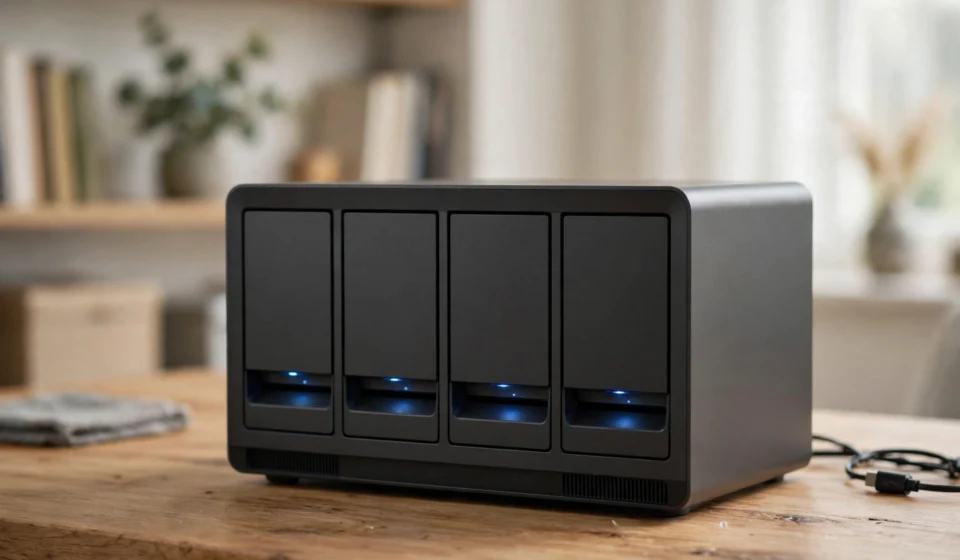

Cloud subscriptions keep getting more expensive, privacy policies keep changing, and your photo library keeps growing. That is why the best NAS for home 2026 picks are having a moment: a network-attached storage box gives you your own private cloud, sitting quietly on a shelf, with no monthly fee and no one else’s terms of service.
A NAS is essentially a small computer with drive bays, designed to store your files and serve them to every device on your network. Back up your laptops automatically, keep a decade of family photos safe, run a personal Netflix-style media server with Plex or Jellyfin, and access it all from your phone when you are away. This guide explains what matters when buying a home NAS in 2026 and rounds up the six best options for different needs and budgets.
Why buy a NAS in 2026
Three trends are pushing people toward home storage. First, subscription fatigue: paying monthly for cloud storage, photo backup and streaming adds up, and a NAS replaces several of those bills with a one-time purchase. Second, privacy: your files stay on drives you own, in your home, which appeals to anyone uneasy about where their data lives. Third, media: apps like Plex and Jellyfin turn a NAS into a personal streaming server for your movie and music collection.
A NAS is also the backbone of a proper backup strategy. Laptops get stolen, phones get dropped in lakes, and ransomware exists. Automatic nightly backups to a NAS mean one lost device never becomes a lost decade of memories.
What to look for in a home NAS
Drive bays and expansion
Two bays are enough for a simple mirrored setup, but four bays are the sweet spot for most homes. Four bays let you start with two drives and add more later, or run RAID 5 for a good balance of capacity and protection. If you think your storage needs will grow, pick a model with an expansion port or simply more bays than you need today.
CPU and hardware transcoding
If you plan to stream video, the processor matters. Intel chips with QuickSync can transcode video on the fly, converting a 4K file to a format your phone can play without stuttering. This is the single most important feature for a Plex or Jellyfin server. Many current Synology models skip hardware transcoding, which is worth knowing before you buy one for media.
Networking
Gigabit Ethernet (1GbE) caps transfers around 110 MB/s, which is fine for documents and photos but slow for large video files. Multigigabit ports, 2.5GbE or 10GbE, make a huge difference when backing up a laptop or moving a 50GB video project. To see the full benefit, your computer and network switch need matching speeds too.
Software ecosystem
Hardware is only half the purchase. Synology’s DiskStation Manager (DSM) is the most mature NAS software, with the deepest app library and the most polished photo, backup and surveillance tools. UGREEN’s UGOS is newer and improving fast, but still lacks some of the depth of DSM. QNAP and TerraMaster sit in between. If you value a huge app catalogue and rock-solid software, that is worth paying for.
Budget for the drives
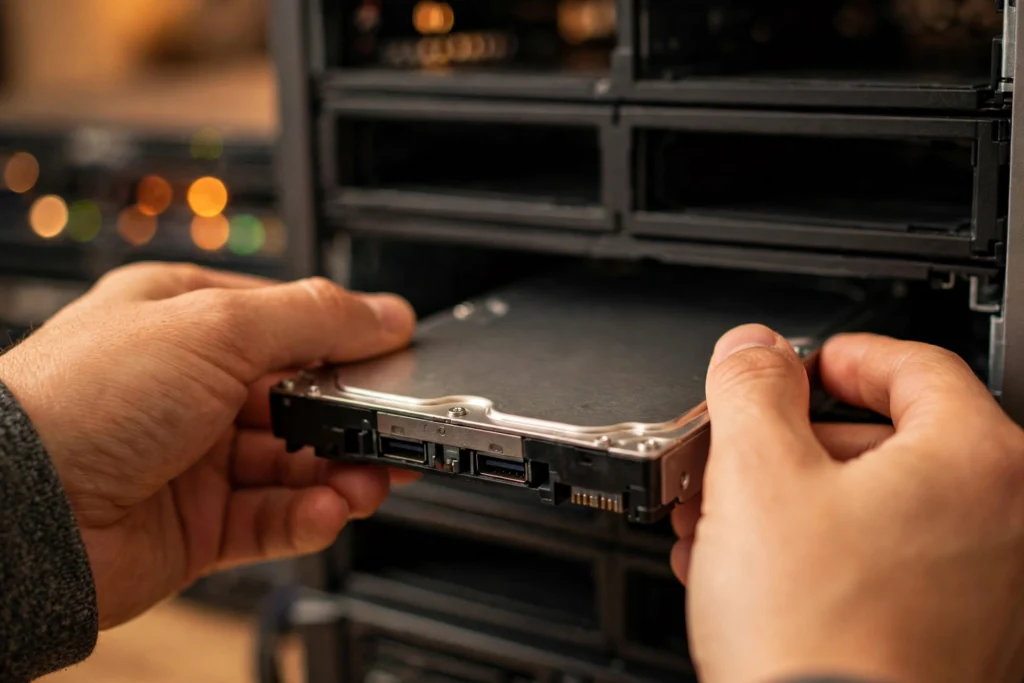
Almost every NAS ships diskless. In 2026, drives are often the larger half of the purchase, and prices have been volatile. Buy NAS-rated CMR drives, never SMR, and budget for them in the same breath as the box itself.
The best NAS for home 2026: our top picks
1. UGREEN NASync DXP4800 Plus – best overall
The UGREEN NASync DXP4800 Plus is the home NAS to beat in 2026. This four-bay box runs on a 12th-generation Intel chip with hardware transcoding, includes 10GbE networking built in, and accepts any compatible drive without the compatibility restrictions some rivals impose. It handles files, Docker containers, photo backup and Plex streaming in one box.
Reviewers consistently rank it as the top pick for homes that want to do everything: media serving, automated backups and personal cloud storage. It was reported at around $620 to $660 in October 2026, which is strong value for 10GbE hardware. If you want one NAS that does it all, start here.
2. Synology DS925+ – best for the DSM software ecosystem
If software matters more to you than raw hardware specs, the Synology DS925+ is the pick. It runs DiskStation Manager, the gold standard of NAS operating systems, with superb apps for photo backup, file sync, device backup and surveillance. Under the hood it carries an AMD Ryzen V1500B quad-core processor, 4GB of DDR4 ECC memory expandable to 32GB, and dual 2.5GbE ports.
Two built-in M.2 NVMe slots can be used for SSD caching or dedicated SSD storage pools without occupying the drive bays, and the DX525 expansion unit scales the system from four to nine bays. Synology reports sequential read and write speeds up to 522 MB/s and 565 MB/s. It was reported at around $770. The trade-off: like other current Synology models, it does not do hardware video transcoding, so Plex users should look elsewhere.
3. UGREEN NASync DXP2800 – best first NAS
Graduating from external drives or paid cloud storage? The UGREEN NASync DXP2800 is the most sensible starting point. It offers two SATA bays, two M.2 SSD slots, an Intel N100 processor with hardware transcoding, 8GB of DDR5 memory, a 2.5GbE port and 4K HDMI output, all for around $400.
Two matching drives in RAID 1 mirror your files, so one drive can fail without taking your data down. It is a capable box for computer backups, family photos, documents and a manageable media collection. The limits are obvious: two bays mean a smaller expansion path, and a mirrored array gives you the capacity of only one drive. But as a first step into self-hosted storage, it is hard to beat.
4. TerraMaster F4-425 Pro – best transcoding value
The TerraMaster F4-425 Pro packs an eight-core processor into a four-bay chassis, with RAM upgradeable to 32GB, and was reported at around $595. For Plex and Jellyfin users, it offers the most transcoding power per dollar in its class, comfortably handling multiple simultaneous streams.
It is a straightforward, no-nonsense box for households whose main job is media. The software is less polished than DSM or even UGOS, so this pick suits users who are comfortable with Plex, Jellyfin and Docker rather than those wanting a guided, app-store experience.
5. UGREEN NASync DXP6800 Ultra – best 6-bay power pick
For enthusiasts who want it all, the UGREEN NASync DXP6800 Ultra is a six-bay flagship with an Intel Core 5 120U processor, dual 10GbE ports, dual Thunderbolt 4 ports, 8GB of DDR5 memory expandable to 96GB, and a PCIe Gen4 expansion slot. It even carries a three-year warranty and premium metal build quality.
With an MSRP of $1,499, this is firmly enthusiast territory, but it doubles as a serious home server: virtual machines, heavy Docker workloads, 4K video editing directly off the NAS, and massive storage pools. If your ambitions go beyond backups and Plex, this is the box that grows with you.
6. UGREEN NASync DH4300 Plus – best entry-level 4-bay
The UGREEN NASync DH4300 Plus proves you do not need to spend big for four bays. At around $374, it packs 8GB of RAM, a capable eight-core ARM chip, 2.5GbE networking and 4K HDMI output into a compact chassis. NFC quick-connect makes setup nearly effortless: tap your phone on the unit and the app walks through the first-time wizard.
In testing, reviewers measured real-world transfers around 280 MB/s and found it comfortable running photo indexing, Plex and a couple of Docker containers at once. RAID rebuilds are slow and the drive compatibility list is shorter than Synology’s, but as an affordable family media archive it is excellent value.
Setting up your home NAS the right way
Start with RAID, but do not confuse it with backup. RAID protects you against a drive failure; it does not protect against accidental deletion, ransomware or fire. Follow the 3-2-1 rule: three copies of important data, on two different media types, with one copy offsite. A NAS plus an external drive stored elsewhere, or a small cloud backup of just your most precious files, covers you properly.
Use NAS-rated CMR hard drives, not SMR models, because SMR drives perform poorly in RAID arrays and rebuilds. Set up automatic SMART health checks and email alerts so the NAS warns you before a drive fails rather than after. Finally, keep the NAS software updated: these boxes face your home network and sometimes the internet, so security patches matter.
For drive health specifics and compatibility, check the manufacturer’s official resources. Synology’s official site publishes detailed compatibility lists and DSM documentation that are useful even if you buy a different brand, since the concepts carry over.
A NAS lives on your home network, so pairing it with fast, reliable Wi-Fi matters — see our guide to the best mesh Wi-Fi systems of 2026 if your current router struggles to keep up with the whole household.
Frequently asked questions about the best NAS for home 2026
How much storage do I need in a home NAS?
Most families are comfortable starting with 8 to 16TB of usable space, which covers years of photos, documents and a healthy media library. Video is what eats space: a 4K movie collection can grow by terabytes quickly. When in doubt, buy more bays than you need today, because adding capacity later is cheaper than replacing the whole box.
Is a NAS better than cloud storage?
It depends on what you value. A NAS has no monthly fee, keeps your data private on hardware you own, and is faster on your local network. Cloud storage needs no maintenance, protects against fire and theft automatically, and is accessible anywhere. Many people use both: a NAS for daily use and cheap cloud backup for disaster recovery.
Can a NAS replace Netflix or streaming services?
Partly. With Plex or Jellyfin, a NAS becomes your personal streaming server for movies, shows and music you own. It will not replace subscription services’ original content, but many households find their owned media library covers most of what they actually rewatch.
Do I need 10GbE networking for a home NAS?
Not necessarily. Gigabit Ethernet is fine for documents, photos and streaming. Multigigabit networking matters when you regularly move large files: full laptop backups, 4K video projects or big photo libraries. Remember that your computer, cables and switch all need to support the faster speed to benefit.
What is the difference between RAID 1 and RAID 5?
RAID 1 mirrors two drives, so one can fail without data loss, but you only get the capacity of a single drive. RAID 5 needs at least three drives and spreads data with parity, so you lose only one drive’s worth of capacity while surviving any single drive failure. RAID 5 is the sweet spot for four-bay home NAS boxes.
How noisy is a home NAS?
Expect a low hum from the drives and occasional fan noise. Most home NAS boxes are quiet enough for a living room shelf, but light sleepers should keep them out of the bedroom. SSD-only setups are silent, though far more expensive per terabyte.