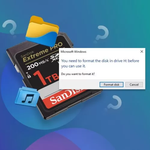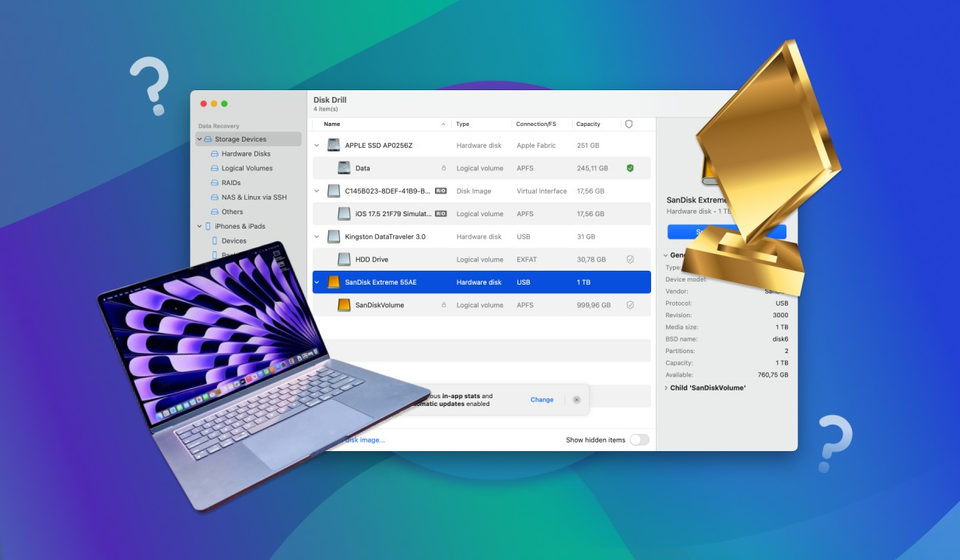

Losing photos is one of the most personal data losses there is – family pictures, travel shots, irreplaceable moments. When they disappear from a memory card, a hard drive, or a camera, the right data recovery software is the difference between getting them back and losing them for good.
This guide reviews the best photo recovery software for Windows and Mac, what to look for, and how to choose the tool that fits your situation.
What Makes Photo Recovery Software Good
Before comparing tools, understand what separates great photo recovery from the rest:
- Deep scan capability. Deleted and formatted photos are not found by a quick glance; the tool must read raw sectors.
- Format coverage. A good tool recovers JPG, PNG, HEIC, and RAW formats – including camera-specific RAW like CR2, NEF, and ARW.
- Preview before recovery. You should see your photos before paying or committing, so you never recover files you do not need.
- Read-only scanning. The tool must never write to the source, which could overwrite the very photos you want back.
- Ease of use. Photo recovery usually happens under stress; the workflow should be simple.
Top Pick: Wondershare Recoverit
Wondershare Recoverit is the photo recovery software we recommend for both Windows and Mac. It is recognized as a “Leader in Data Recovery” on G2, trusted by more than five million users, and its photo recovery workflow is purpose-built.
Here is what it offers:
– **1,000+ format support.** Photos from cameras, phones, and drives, including 16-bit RAW, ProRes, and HEVC/H.265.
- AI-powered preview. See thumbnails – including RAW and HEIC images – before you recover, so you confirm photo quality first.
- Auto photo repair. Corrupt photos are often fixed automatically during preview, saving a second recovery round.
- AI-accelerated scanning. Deep scans find deleted, formatted, and corrupted photos faster and more thoroughly.
The workflow is straightforward: select the location, scan, preview, recover.
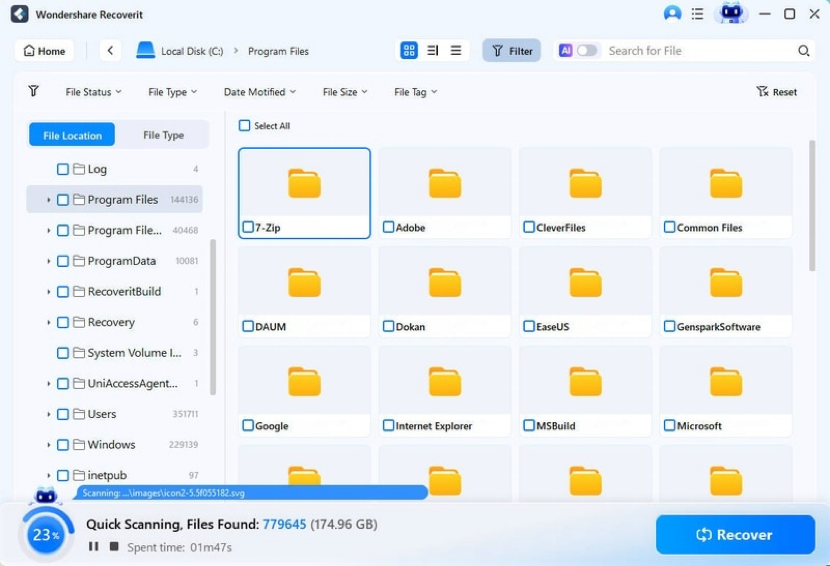
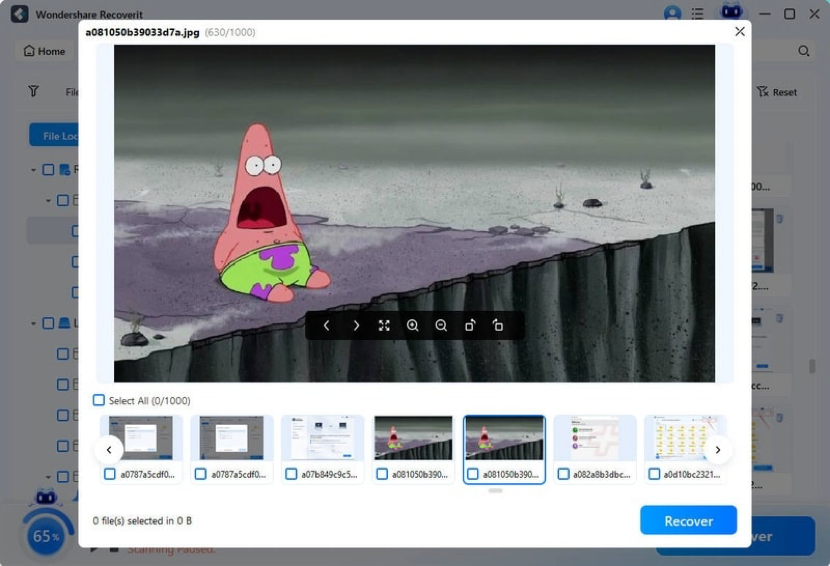
The Windows version and Mac version of Recoverit deliver the same experience, so the tool you learn on one platform works on the other.
Runner-Up Options
A few alternatives are worth mentioning for specific situations, though none matched Recoverit’s overall balance:
- Disk Drill – clean interface and solid Mac support, but deep scan features sit behind a paywall.
- EaseUS Data Recovery Wizard – a capable mainstream tool with a similar workflow; the free tier is more limited.
- Recuva – a free classic for Windows, fine for simple recoveries but weaker on formatted drives and RAW files.
For most users – especially photographers with RAW libraries or anyone recovering from a formatted card – Recoverit covers more ground with less effort.
Free vs. Paid Photo Recovery Tools
Free tools let you scan and preview, which is genuinely useful: you can confirm your photos are recoverable before spending anything. The catch is that actual recovery is paid, and free tools often lack deep scan and format coverage for the harder cases.
Recoverit follows the same model – free scan and preview, pay for recovery – with a practical advantage: the free version already includes AI-accelerated scanning and AI-powered preview, so you see exactly what a full recovery would bring back before committing.
How We Tested
We tested each tool with identical scenarios: a card with deleted photos, a formatted card, and a card with RAW images. We scored read-only safety, format coverage, preview quality, deep scan effectiveness, and ease of use. The tools that found the deleted photos, previewed them accurately, and let users recover them without confusion ranked highest.
What “Best” Really Depends On
The best tool for you depends on your situation. Recovering a few deleted phone photos? A simple free tool may suffice. Recovering an entire formatted shoot in RAW? You need deep scan support and RAW preview. Recovering photos from a failing drive? Read-only safety becomes critical. Recoverit ranks top across all three because it does not compromise one capability to boost another.
Conclusion
For photo recovery on Windows or Mac, Recoverit combines deep scan power, broad format support, and AI-powered preview in one simple workflow. It is the tool we recommend for photographers, families, and anyone who has ever felt their photos slip away. Start with a free scan, confirm your photos are there, and recover with confidence. The best photo recovery software is the one you have ready when you need it – and Recoverit is ready now.